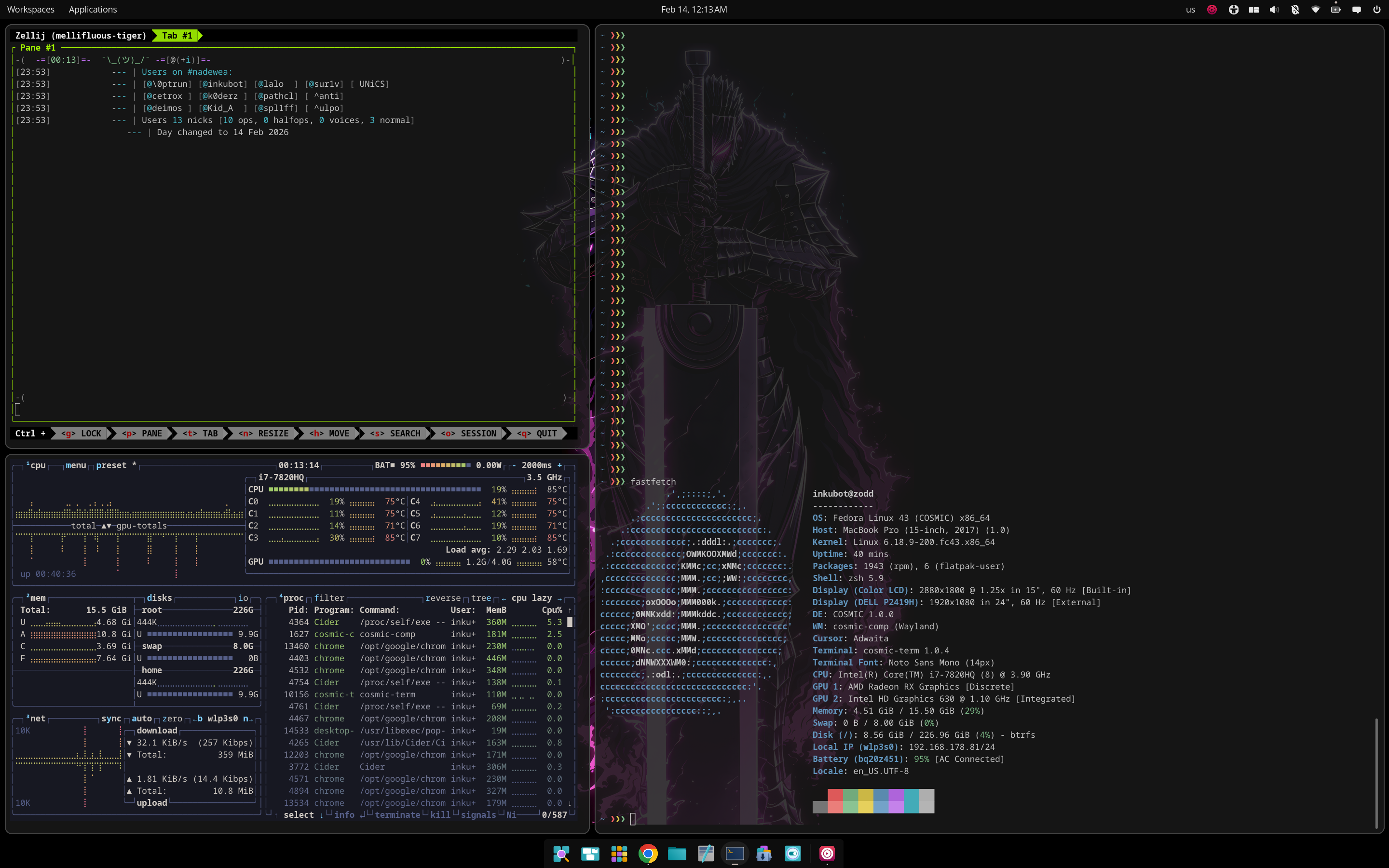
Macbook PRO 2017 (MacbookPro14,3)
What works by default#
- Keyboard backlight
- Screen brightness
- Video camera
What works but needs tweaking#
- Wifi - Follow the same steps as described in my previous post. Just don’t do the brcmfmac.conf file as password does work on Fedora by default.
What doesn’t work#
-
Audio - Follow the steps described here
-
Touchbar - This was the hardest.
I think for this one is important to have MacOS installed, if not the device will claim is in recovery mode and will not work, check it with lsusb -t
Get the modules from here. I did the installation through dkms
Add the following files
/etc/modprobe.d/apple_ib_tb.conf
|
|
/etc/dracut.conf.d/macbook.conf
|
|
$ sudo dracut -f
/etc/systemd/system/apple-ibridge.service
|
|
Then enable the service with:
$ sudo systemctl enable apple-ibridge
$ sudo systemctl start apple-ibridge
Read other posts